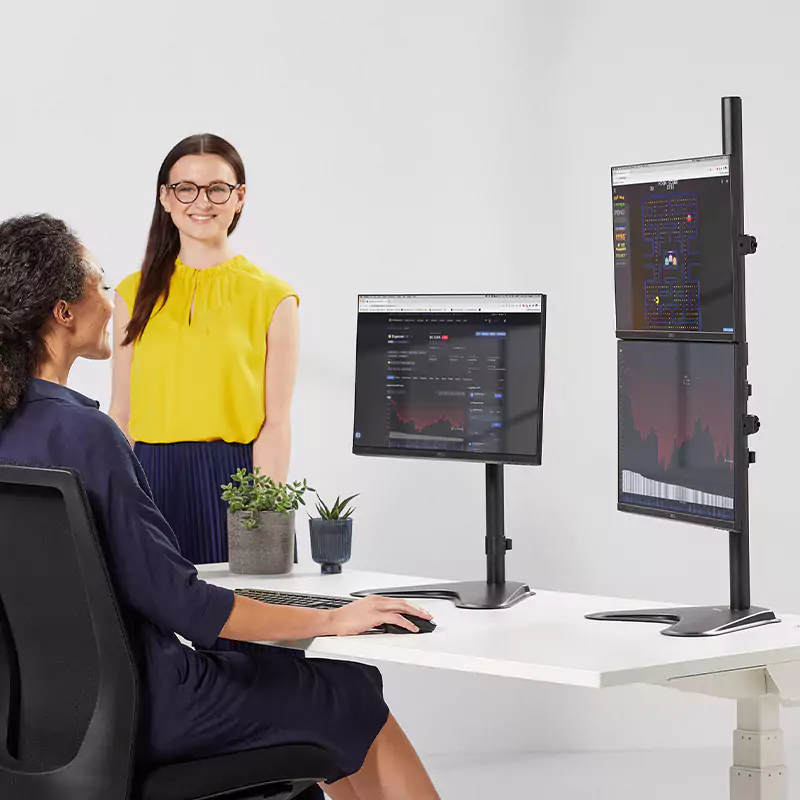
Monitor arms have a unique advantage because some types can hold more than one screen, so we can have two or three screens side by side or stacked.
Using a monitor arm with two or more screens has been shown to help us work more quickly and make fewer errors.
Looking at monitor usage over a 15-year period, researchers² found that people working in all kinds of roles were improving their productivity by an average of 42% through using dual screens, and that users made 33% fewer errors when they switched from one screen to two or more.
They also discovered that the use of two monitors was growing year on year, by an average of 10%.
The reason for this increased use is because when we only use one screen, most of us find ourselves switching between the document we’re working on, to emails or our browser, which leads us to lose focus.
Looking away from the page we’re on to research something online, or reply to a message, takes time and attention away from our core task. Most of us know that once our concentration is gone it can take several minutes to regain it.
Trying to combat this by fitting two windows side by side on one screen, or repeatedly switching between windows on one desktop, is less likely to help and probably consumes more of our time than we realise.
Dual or triple monitor arms can eliminate these problems and help us work more productively because we can see all our information across two or three screens at once, without needing to switch between tasks.
When we have two or more monitors, much more of the information we need is in front of us, so we don’t need to move away, mentally, or practically, from our ‘core task’ to find something else.