Page Results () See All

Did you mean ...

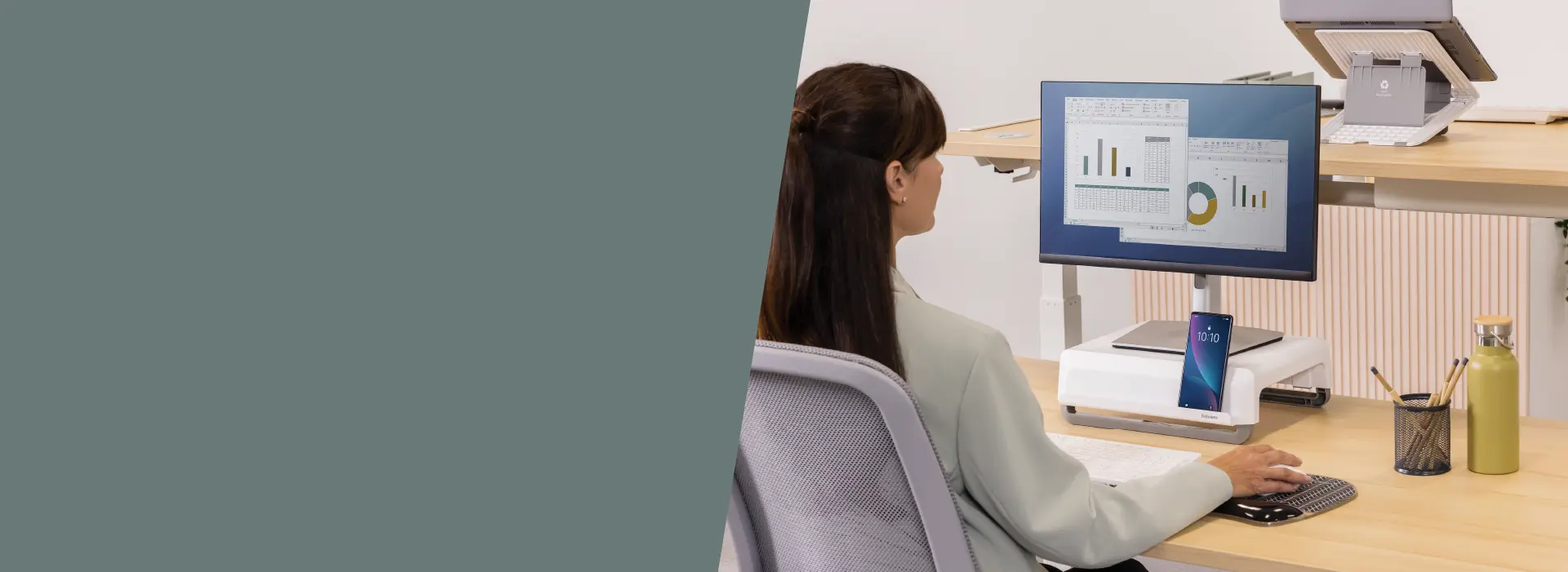
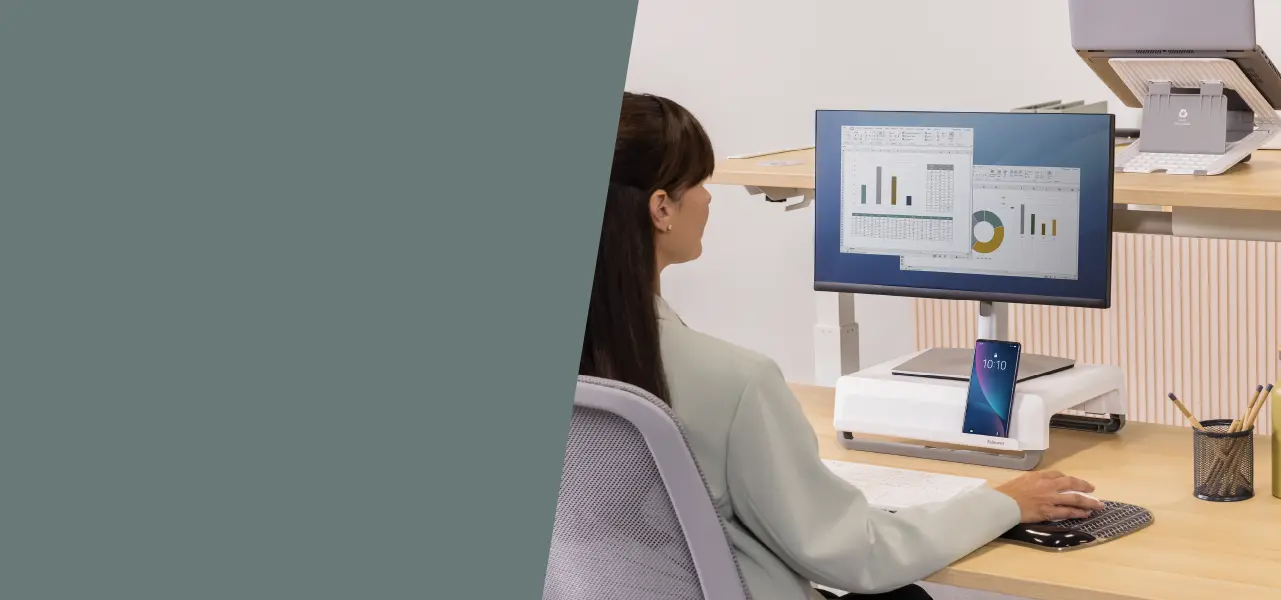
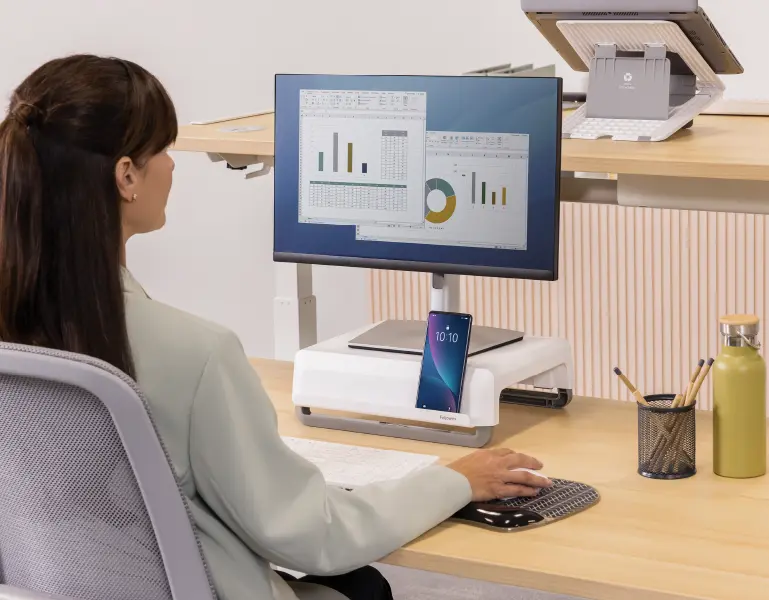
Woman using a monitor riser at a desk Woman using a monitor riser at a desk Woman using a monitor riser at a desk

The Best Ergonomic Accessories for Work and Home

The Best Ergonomic Accessories for Work and Home

Worklife Coach With Arms Crossed

It doesn’t really matter where you do your work - whether you’re in a formal office, a shared coworking space, or just parked at your kitchen table. One thing stays the same: if you’re not comfortable, it catches up with you.

Slouching in the wrong chair, reaching too far for your mouse, or craning your neck at a screen can all chip away at your focus. And over time, they can cause physical problems you don’t want to deal with.

But here’s the good news: small changes can make a big difference. With the right tools, designed to support your body while you work, you can create a setup that feels good and works better. Fellowes offers solutions built around The Workspace Zone Approach, which is all about easing strain, improving posture, and helping you feel better throughout your day.

RECOMMENDED BY THE FELLOWES WORKLIFE COACH

Top ergonomic accessories for work and home

In this section, we will explore the best ergonomic accessories available from Fellowes, organised by The Workspace Zone Approach, so you can easily identify what solution is going to best work for you.

ZONE 1 - prevent back tension

Sitting for long periods without support can cause your spine to slouch and increase strain in the lower back. The first zone focuses on supporting appropriate seated posture, which is especially crucial if you're asking yourself what the best ergonomic chair for back pain is.

Recommended accessories:

  • Seat cushions such as the Breyta Wedge Seat Cushion help maintain the natural curvature of your spine when seated as well as provide added comfort. Especially when working on chairs with no or limited adjustability, such as dining chairs.
  • A footrest can improve circulation and posture by elevating your feet and reducing pressure on the lower back region of your body. There are plenty of footrests to choose from, all of which will be beneficial to you daily, so it may be a case of choosing one that suits your budget and style preferences
  • Portable back supports for office chairs can be easily moved between home and work chairs. These products are especially ideal if you're not yet ready to invest in a fully ergonomic chair but want immediate relief from discomfort.
ZONE 1 - prevent back tension
ZONE 2 - avoid wrist pressure

Wrist strain is one of the most common issues associated with regular users of a computer or laptop. Typing or using a mouse for hours can put undue pressure on your wrists and forearms, but there are solutions to help reduce this strain.

Recommended accessories:

  • Wrist Supports, such as the Fellowes Crystals™ Gel or memory foam wrist rests, cushion your wrists and help you maintain a neutral, stress-free hand position during typing.
  • Ergonomic mice are shaped to support your hand’s natural grip, which minimises strain over time. The real reason why ergonomic mice are better than standard mice lie in their ability to reduce repetitive motion injuries, making them a great investment in long-term comfort. And if you are wondering where to buy ergonomic mouse and mousepad options that suit your setup, there’s a plethora of options available via our products section.
  • Desk mats and mousepads not only protect your work surfaces and improve mousing performance, but provide a soft, warm area for mousing which can help boost comfort and productivity.
ZONE 2 - avoid wrist pressure
ZONE 3 - relieve neck strain

Many people naturally tilt their heads down when working on screens or reading printed materials, which can put a surprising amount of pressure on the neck and upper back. Over time, this posture leads to discomfort that’s often hard to trace back to its source. One of the best ways to prevent this is by adjusting your screen and document positioning so that your eyes remain level, and your posture stays neutral.

Recommended accessories:

  • Monitor stands from Fellowes are designed to lift your screen to a more comfortable height, helping you avoid leaning forward or craning your neck.
  • Using a laptop stand such as the Alumia™ Desk Laptop Stand helps to raise the height of your screen whilst allowing you to use a separate keyboard and mouse to increase ergonomic posture.
  • Document holders are another simple solution. By keeping your papers upright and next to your monitor, they help reduce constant head-turning and encourage a more balanced viewing position.
ZONE 3 - relieve neck strain
ZONE 4 - reduce inactivity

Extended hours of sitting can contribute to fatigue, muscle stiffness, and reduced circulation. The solution is fairly obvious: introduce more movement into your workday.

Recommended accessories:

  • Sit-stand workstations and height adjustable desks, make it easy to alternate between sitting and standing. Regular movement helps energise your muscles, reduce tension, and improve focus, all of which are key components of a posture-friendly routine.
  • Make the most of your sit stand workstation by using a sit-stand mat. Their soft surfaces not only provide comfort but encourages subtle movements to help boost circulation and reduce fatigue.
ZONE 4 - reduce inactivity
ZONE 5 - minimise clutter

Cluttered workstations can hinder focus, reduce productivity, and increase the risk of injury through stretching & twisting. In addition, messy, unorganised desks contribute to stress by creating a chaotic and inefficient work environment.

Recommended accessories:

  • Keep cables tidy and tangle free with cable managers such as our CableSpine which is specifically designed to work with height adjustable desks.
  • Maximise valuable workspace by mounting large and unsightly CPUs under your desk or on your monitor arm with Fellowes range of CPU holders.
  • Effortlessly charge your devices and avoid twisting and stretching with easy to reach desktop power accessories such as Fellowes Power Desk. With power sockets, USB A and C ports you can quickly charge your mobile phone or laptop whilst keeping a tangle free clear workspace.
ZONE 5 - minimise clutter

Choosing the right accessories for you

You don’t need to overhaul your whole setup overnight. Start small. Pick one ergonomic item for each type of strain - something for your back, your wrists, your neck, and maybe something that gets you up on your feet now and then. It doesn’t matter where you work, home, office, somewhere in between, this kind of setup helps your whole body.

It can also be beneficial to utilise the Fellowes Healthy Workstation Assessment, as this will help you receive personalised recommendations.

Fellowes Healthy Workstation Assessment
Man looking at monitor on a riser

Comfortable support, wherever you work

Getting comfortable at work isn’t just about feeling good in the moment. The right equipment can change how you move and how you feel long after you’ve logged off.

It might be a chair cushion that stops that annoying ache in your lower back. Maybe a stand that lifts your laptop to eye level, so your neck stops hurting. Or something simple, like a mouse that fits your hand better. Fellowes makes equipment like this - things that help, day to day.

No matter where your desk is, you deserve tools that make work easier on your body. That’s what these are for.

SHOP ERGONOMIC ACCESSORIES