Best Ergonomic Wrist Rests: Small Upgrade, Big Comfort
Best Ergonomic Wrist Rests: Small Upgrade, Big Comfort
Working at a computer puts the same part of the hand in contact with the desk all day. The mouse moves, the fingers click, the keyboard takes over, then the mouse again. What often gets overlooked is the point underneath all of that: the wrist resting against a hard surface for hours at a time.
That contact can become noticeable, especially in setups where the desk is too high, the mouse sits a little too far away or the hands rest directly on the desk edge while typing.
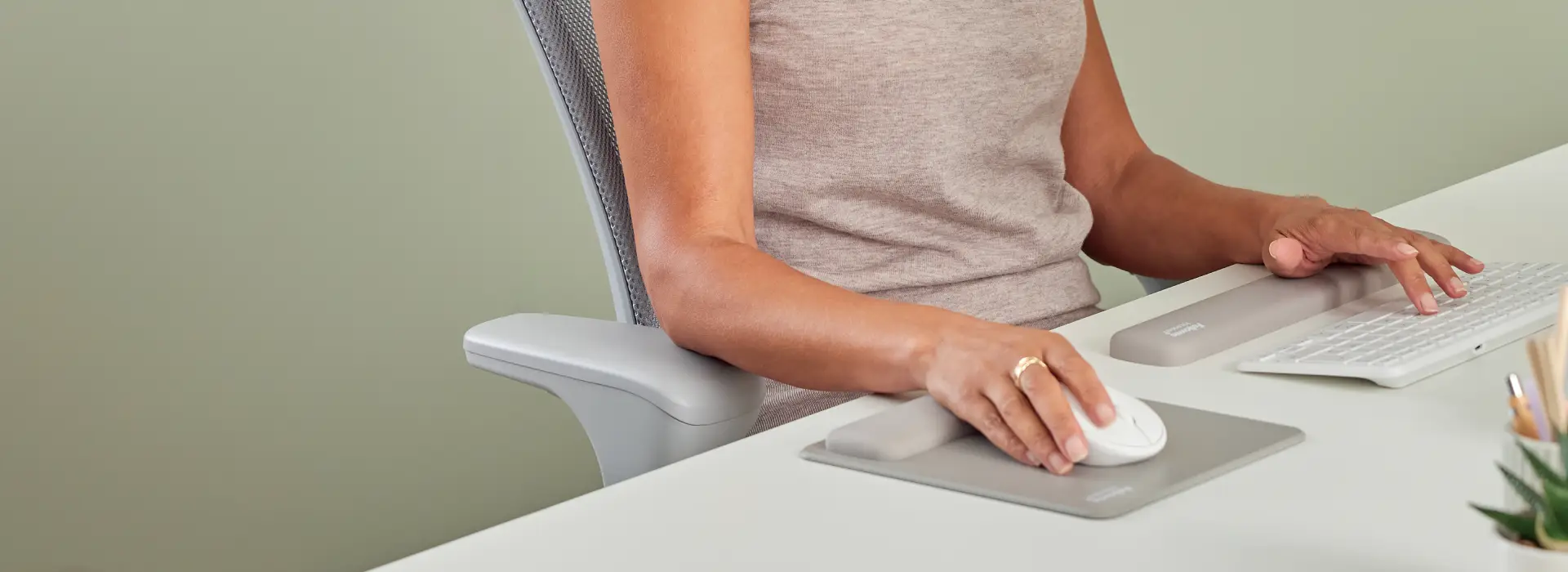
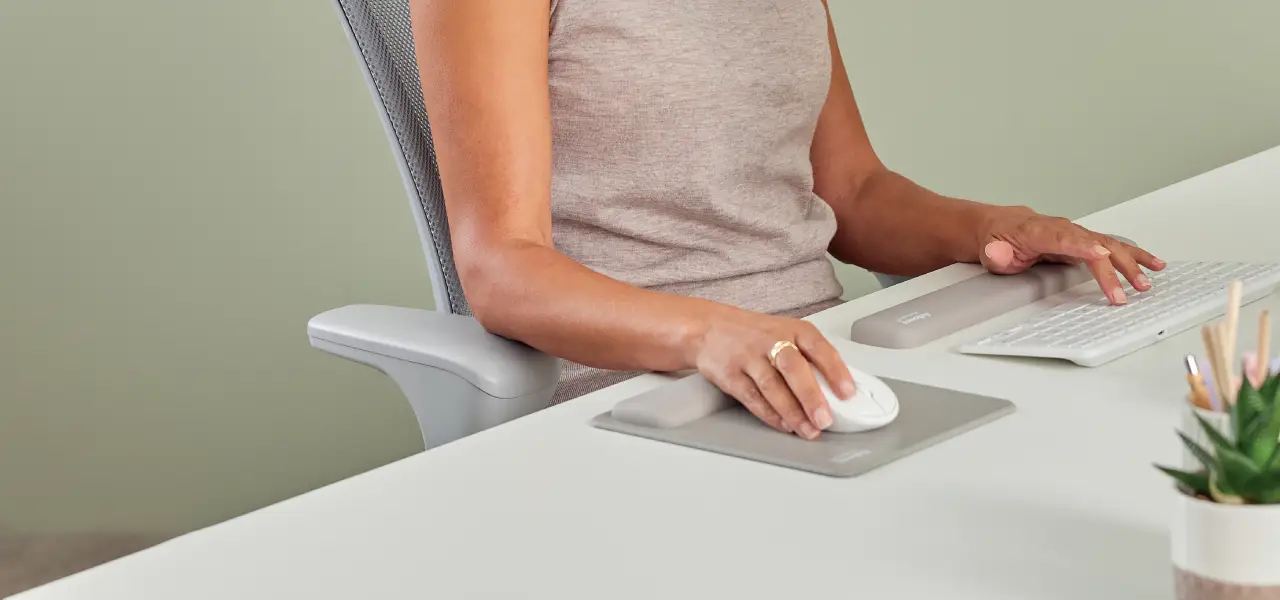
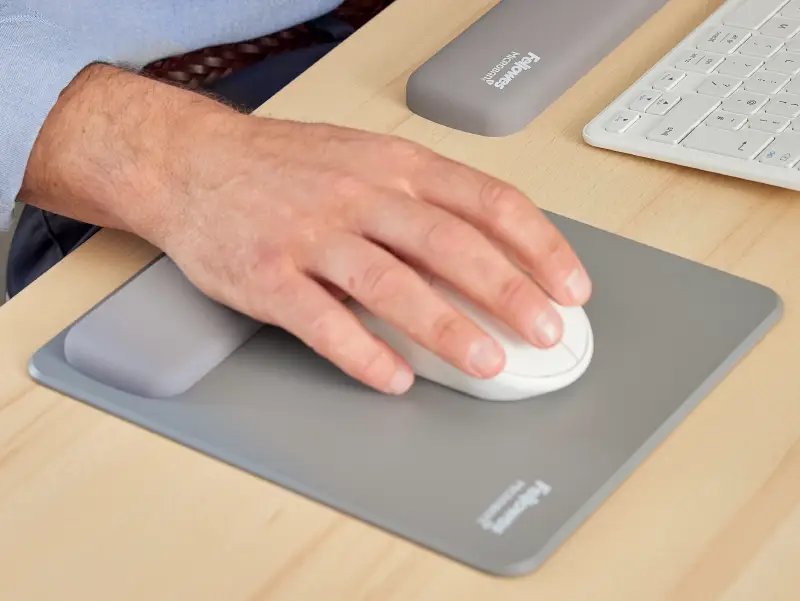
An ergonomic mousepad with wrist support or a keyboard wrist rest gives the hand a softer, more stable surface to work from. It is a small addition to the desk, though it can make a big difference by helping reduce pressure on the wrist.
In this guide, we look at how ergonomic wrist rests work, what to look for, and how Fellowes options support everyday desk setups.
Key takeaways from this article:
Why wrist support matters during mouse and keyboard use
The wrist is involved in almost every small movement at the desk. It guides the mouse, helps position the hand over the keyboard and stays active even when the movement itself looks minimal.
When that happens against a hard desk, the same area of the wrist takes repeated pressure. The European Agency for Safety and Health at Work identifies repetitive movements, awkward postures and static positions as common factors linked with musculoskeletal discomfort. Its office ergonomics guidance also points to the repetitive and intensive nature of screen-based work and the effect this can have on the upper limbs, neck and back.
A wrist rest helps by changing the surface under the hand. Instead of the wrist pressing straight into the desk, it rests on cushioning that can support a steadier position while you work and, most importantly, encourages a neutral posture where your wrist is aligned with your elbow.
What to look for in the best ergonomic mousepad or wrist rest
A good ergonomic mousepad or wrist rest should have:
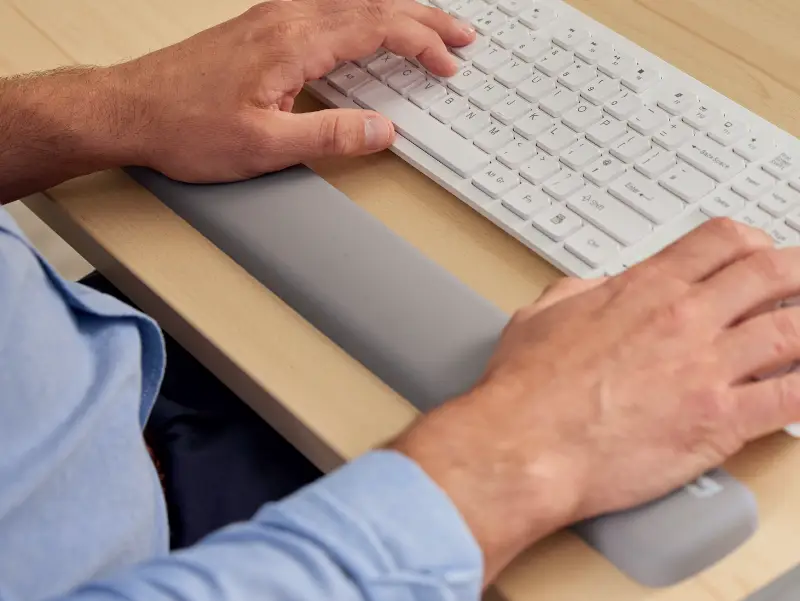
cushioning that supports the wrist without flattening too quickly.
a smooth mouse surface that still tracks properly.
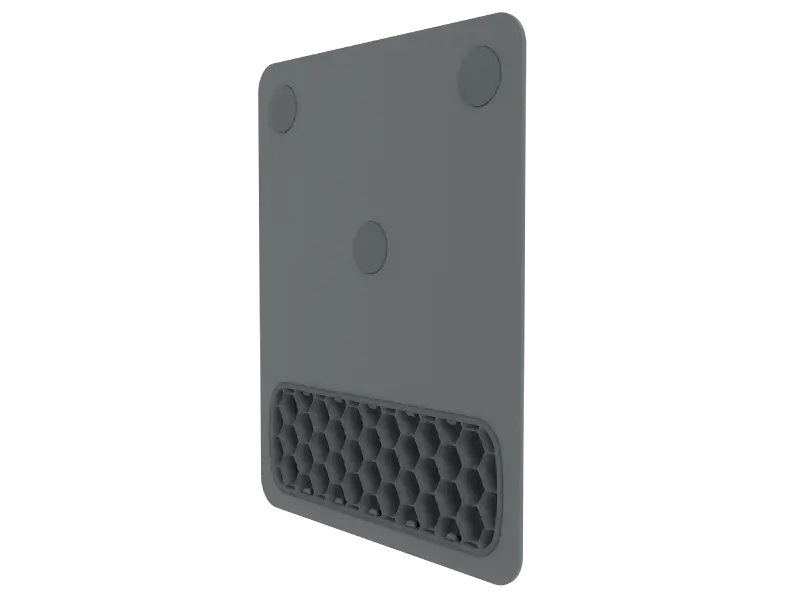
a non-slip base so it stays in place on the desk.
a size that fits the space you actually work in.
Material makes a difference here. Gel and memory foam are common because they can help spread pressure more evenly and feel softer against the wrist than the desk itself. Silicone is another option to consider, with recyclable options supported through dedicated take-back schemes. Stability matters too; if the pad slides around every time the mouse moves, the support stops feeling helpful very quickly.
Mousepad wrist rest or keyboard wrist rest: which do you need?
This usually comes down to how you spend most of your day.
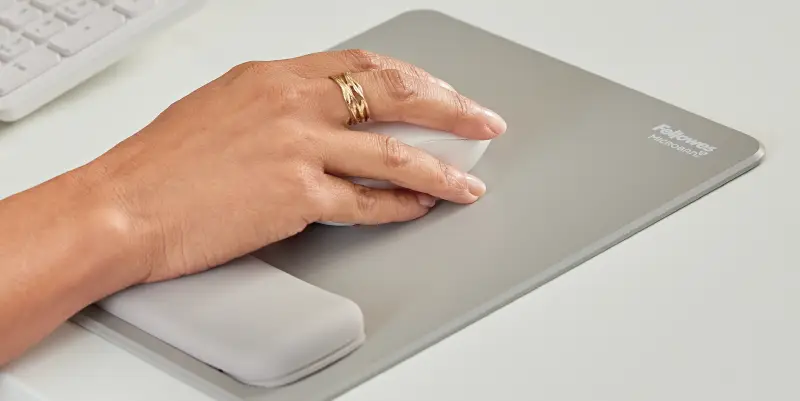
If your work involves constant clicking, scrolling, editing or moving between windows, a mousepad with wrist support often makes the biggest difference first. It supports the wrist through repeated mouse use and can help avoid that direct contact with the desk surface.
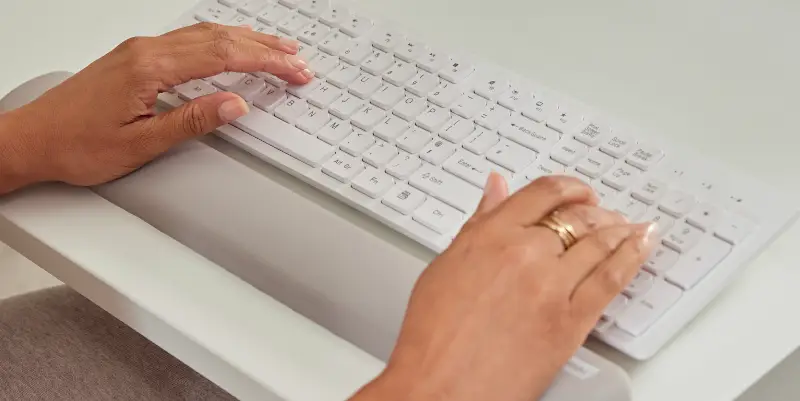
If you spend more time typing, a keyboard wrist rest may be the better place to start. It gives the hands a padded surface along the front of the keyboard and can improve comfort during longer writing sessions.
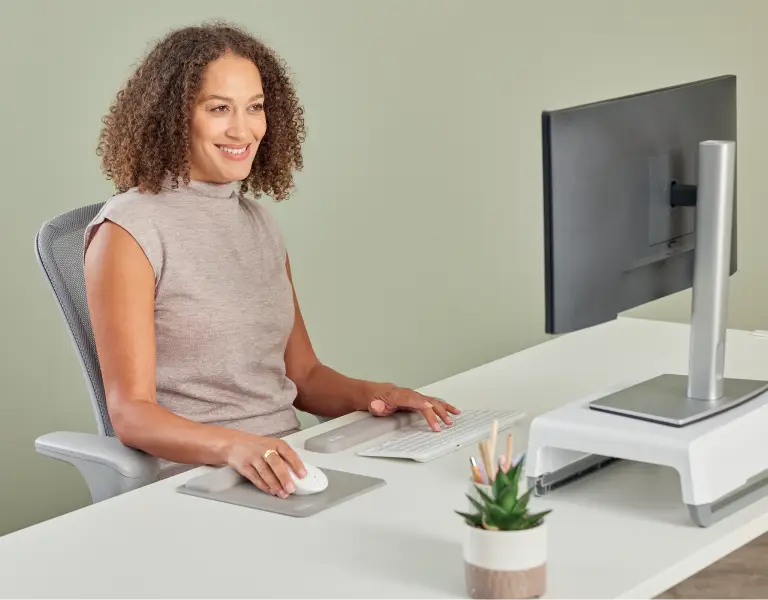
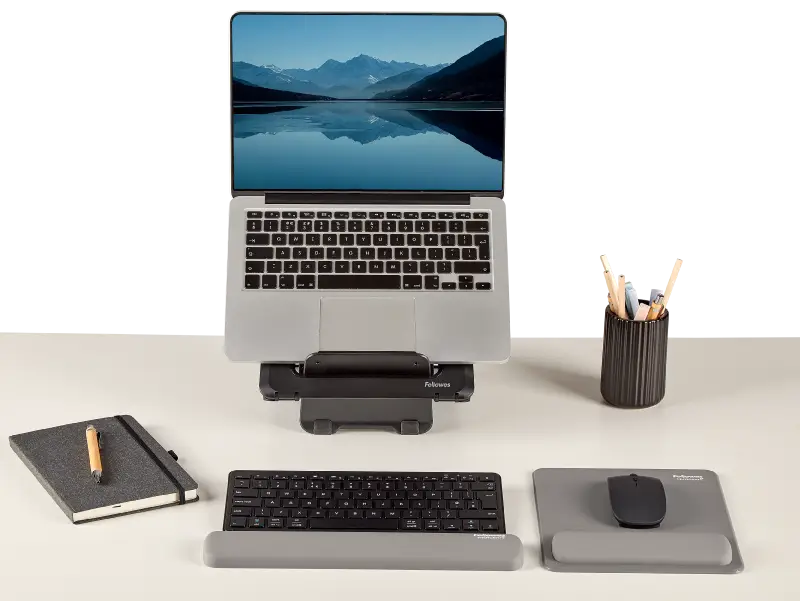
Many people benefit from using both. That is often the most useful setup when the day moves between typing and mouse work, which is the case for most office and home workstations. Many wrist rests are also design-coordinated, allowing you to choose matching rests for a consistent look across your desk.
How Fellowes wrist rests fit different desk setups
At Fellowes, we treat wrist rests as part of the desk setup people use every day, not as an extra for the sake of it. Our wrist rests range includes options for both mousing and typing, so it is easier to match the product to the way you work.
Some setups need a compact mousepad that does not take over the desk. Others need keyboard support across longer stretches of typing. Products such as the Breyta wrist rests are designed to provide uniform support while remaining easy to place in everyday workspaces.
The point is not to overload the desk with accessories. The point is to support the areas that do the most repetitive work.
How wrist rests work with the rest of your ergonomic setup
A wrist rest can help on its own, though it works better when the rest of the workstation is set up sensibly too.
The mouse should sit close enough to avoid reaching. The keyboard should allow the forearms to stay level with the desk. Screen height still matters as well, because poor monitor positioning can affect the posture of the shoulders, arms and hands lower down the chain.
In our Worklife Coach ergonomics guidance, we recommend keeping the forearms parallel to the desktop and the wrists in a neutral position. The Fellowes Workspace Zone Approach™ also places wrist support within a broader workstation framework that includes monitor position, back support and movement during the day.
Is an ergonomic wrist rest worth it?
If your wrist is the first part of your body to feel the strain of your desk setup, then it's definitely worth looking into. A wrist rest is a small product, though it deals with a very busy contact point that gets used all day.
It may help reduce direct pressure on the wrist, support a steadier hand position and make mouse or keyboard use more comfortable over longer periods. For such a simple addition, that is a useful return.