Convert Your Desk to Sit-Stand:
The Easy Way to Work Healthier
Convert Your Desk to Sit-Stand: The Easy Way to Work Healthier
In workplace guidance, WHO Europe reports that 39% of Europeans spend more than 5 hours 30 minutes sitting.
This highlights a common problem: working at the same desk for hours can start to feel tiring as you’ve got only one position to work in, with the screen and keyboard fixed in place.
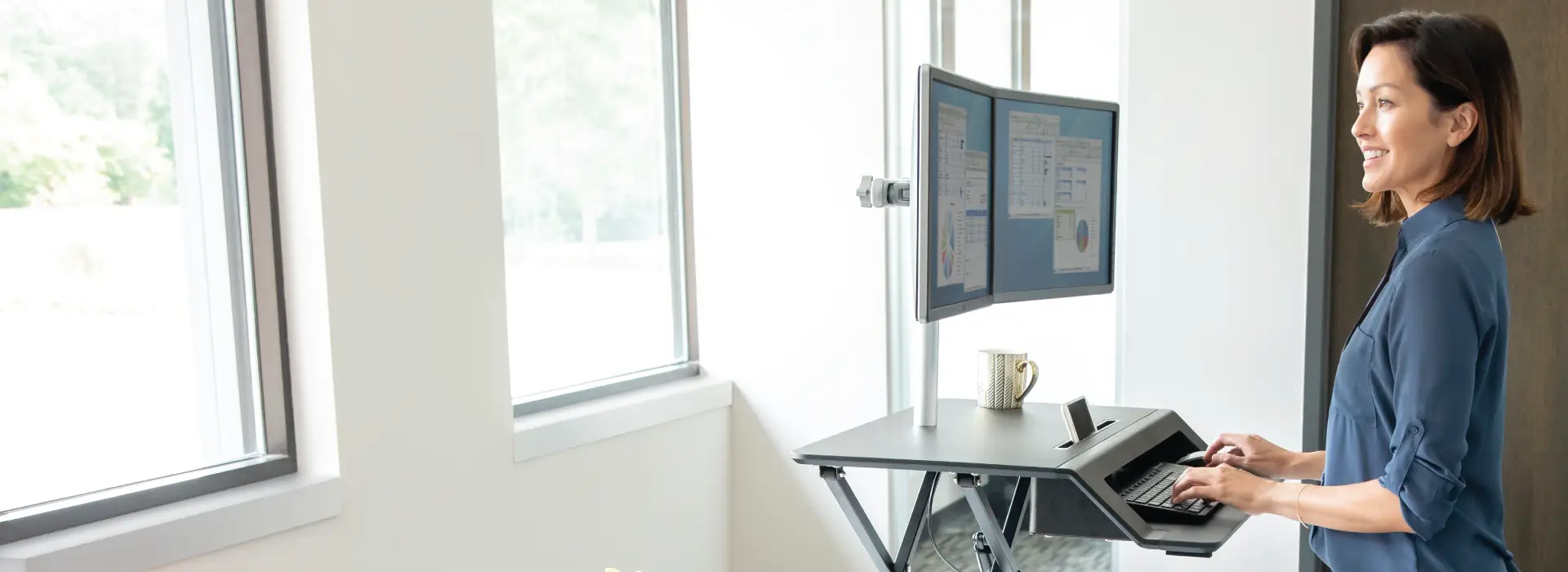
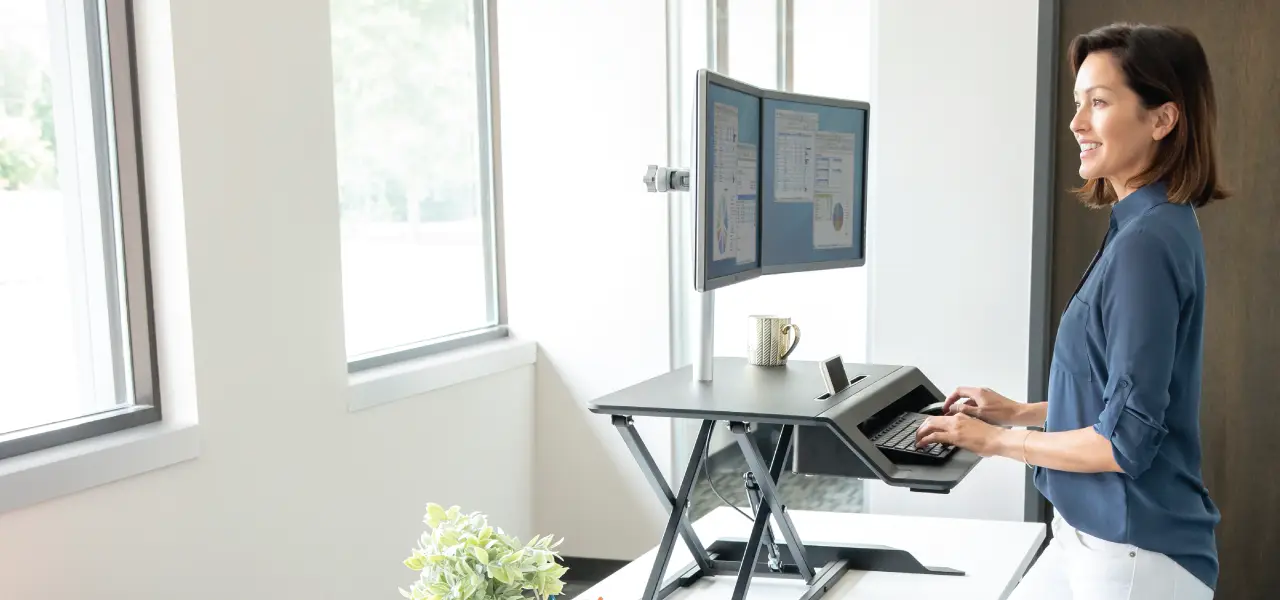
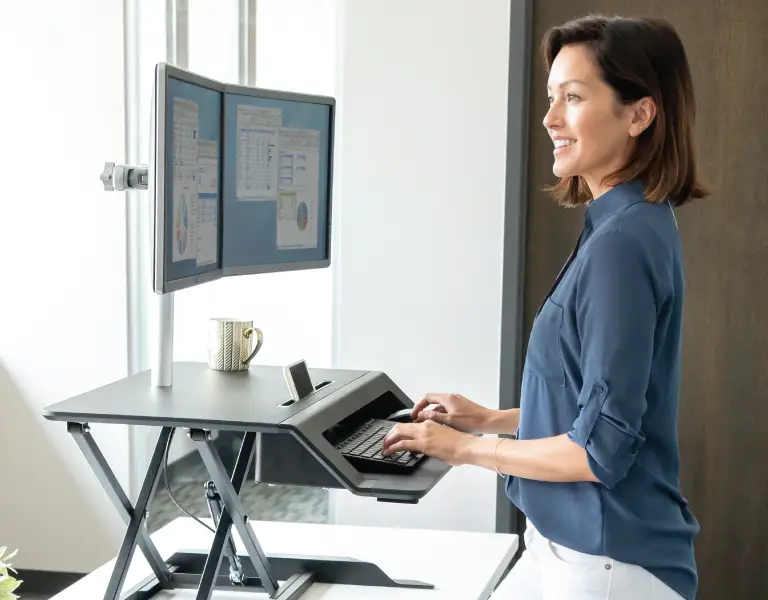
A sit-stand desk converter offers a way to change that without replacing the workstation you already use. It sits on top of the desk and raises your monitor, keyboard and mouse together, so you can switch between sitting and standing on the same surface.
Key takeaways from this article:
How to convert a sitting desk to a standing desk?
If you want to convert a sitting desk to a standing desk, a converter is usually the easiest way to do it. It turns the top of your current desk into a height-adjustable working area, so you can raise it for standing work and lower it again when you want to sit.
A simple way to approach it is step by step:
- Check how much desk space you have
Measure the width and depth of the usable surface first, so the converter fits comfortably without overcrowding the desk.
- Think about what needs to sit on the converter
Some setups only need room for a monitor, keyboard and mouse. Others also need space for a laptop, paperwork or a docking station.
- Choose a height range that works for you
The platform should lower properly for seated work and raise high enough for standing use.
- Look for smooth adjustment
If the movement feels awkward, it is less likely to become part of the daily routine.
- Set the screen and keyboard up carefully once it is in place
The monitor should be easy to view, and the keyboard and mouse should still let the arms stay in a relaxed position.
- Use it to alternate through the day
The aim is to add more movement, not swap one fixed position for another.
What to look for in the best sit stand desk converter
The best sit stand desk converter is the one that works properly on your desk and supports the equipment you use every day. It does not need to be the largest model or the most complicated one. It needs to fit the space and make the move between sitting and standing feel easy enough.
A few features matter most:
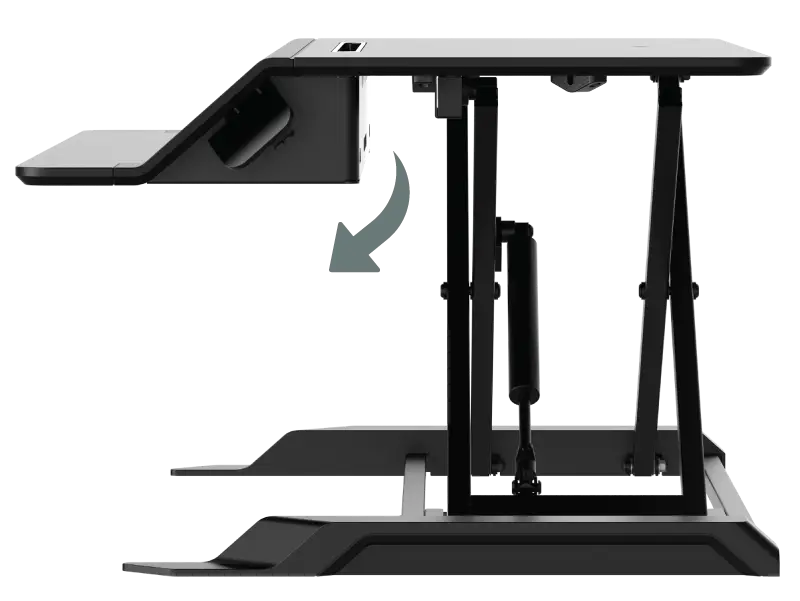
stable movement when raising and lowering
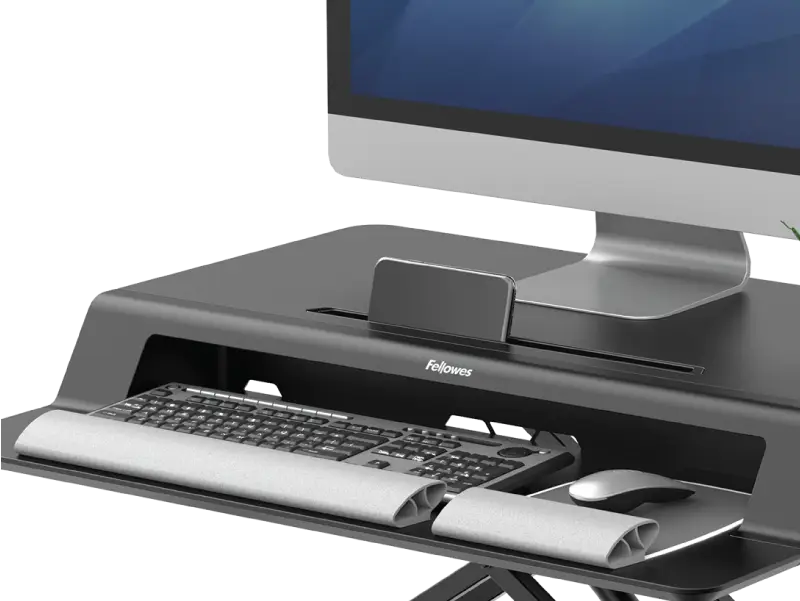
enough room for your monitor, keyboard and mouse
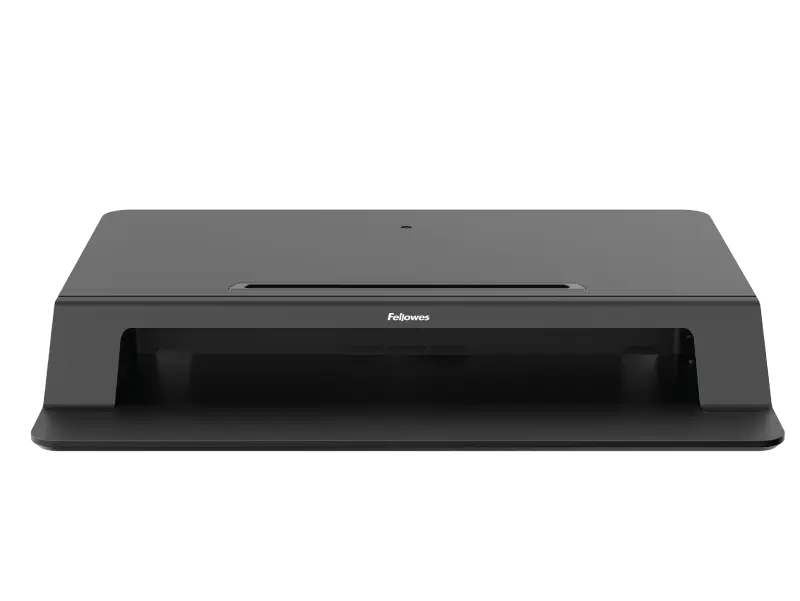
a platform that feels solid at both heights
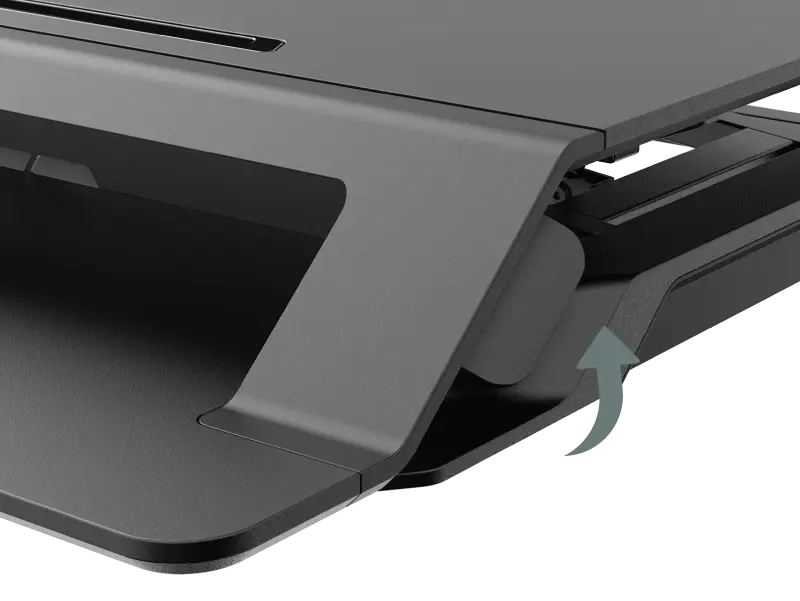
easy adjustment that does not interrupt the day
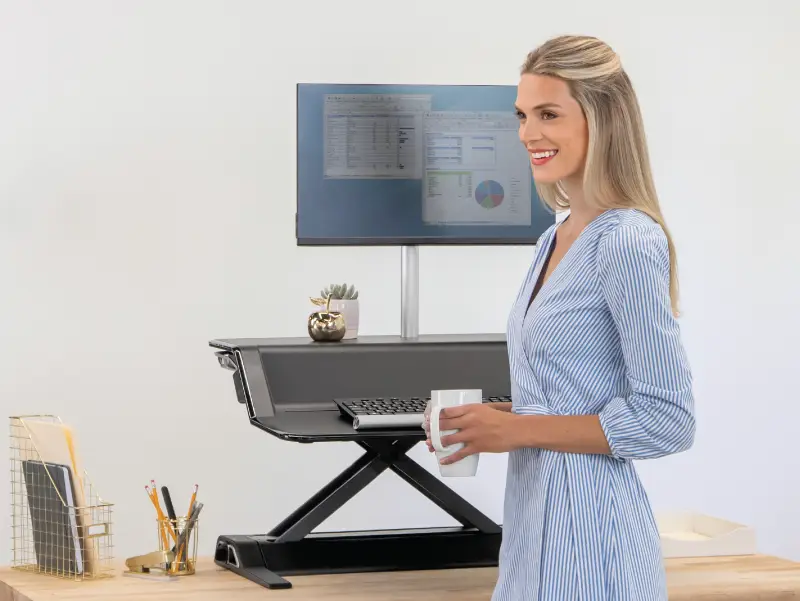
a size that suits the desk instead of dominating it
How Fellowes sit-stand products fit different desk setups
The Fellowes sit-stand range includes converters, desks and mats, which makes it easier to match the product to the setup. They are designed to work around the desk you already have and the way you already work.
For most people trying to convert desk forto sit stand use, the converter is the key product here. It helps you keep the desk, keep maintain the room as it is, and add a standing option without turning the whole setup upside down.
How a sit-stand converter works with the rest of your setup
A sit-stand converter changes the height of your main working area, but the rest of the workstation still needs to work properly around it. The screen should be easy to view, the keyboard and mouse should stay in comfortable positions, and the switch between sitting and standing should not make the desk harder to use.
This is where the wider Fellowes setup comes in. Across the Fellowes Workspace Zone Approach™, sit-stand working fits into a broader view of desk comfort, including screen position, wrist support, back support and movement during the day. If the screen still feels low once the converter is in place, a monitor arm can help lift it to a better viewing height. If standing becomes a more regular part of the routine, a sit-stand mat may help on harder floors.
For people whose existing desk already works in every other respect, this can be a sensible way to improve the setup without replacing everything. You keep the same desk, add more freedom to change position, and build around it with the products that support the rest of the workstation.