How Does an Ergonomic Mouse Help? The Science Behind the Design
How Does an Ergonomic Mouse Help? The Science Behind the Design
We spend much of the working day using a mouse, but we rarely notice the strain it creates until the discomfort starts to build. That tension in the wrist or forearm is often the result of a hand position that is difficult to maintain over time.
EU-OSHA's office ergonomics guidance recommends keeping the mouse close, avoiding overreaching and working with the wrist in a neutral position.
In this guide, we explain how an ergonomic mouse may help reduce strain, improve wrist alignment and make daily computer use more comfortable, along with the design features behind it and whether it is worth the money for everyday desk work.
Key takeaways from this article:
Key design features of an ergonomic mouse
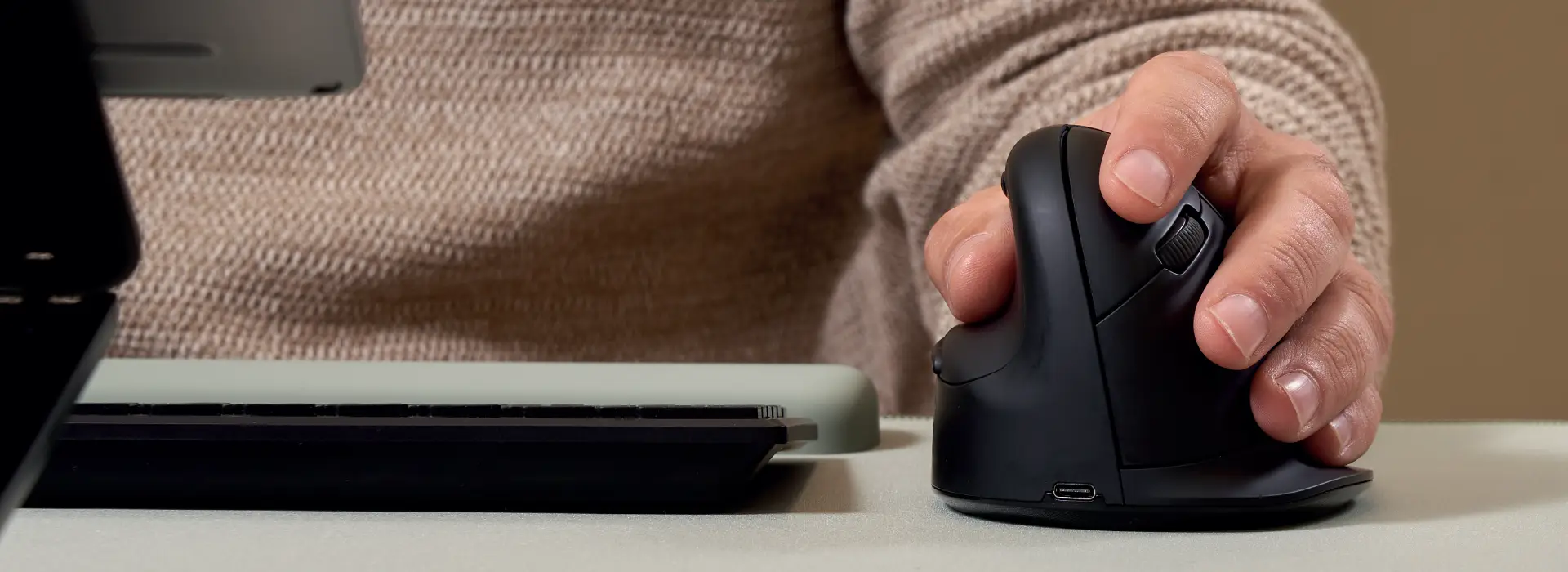
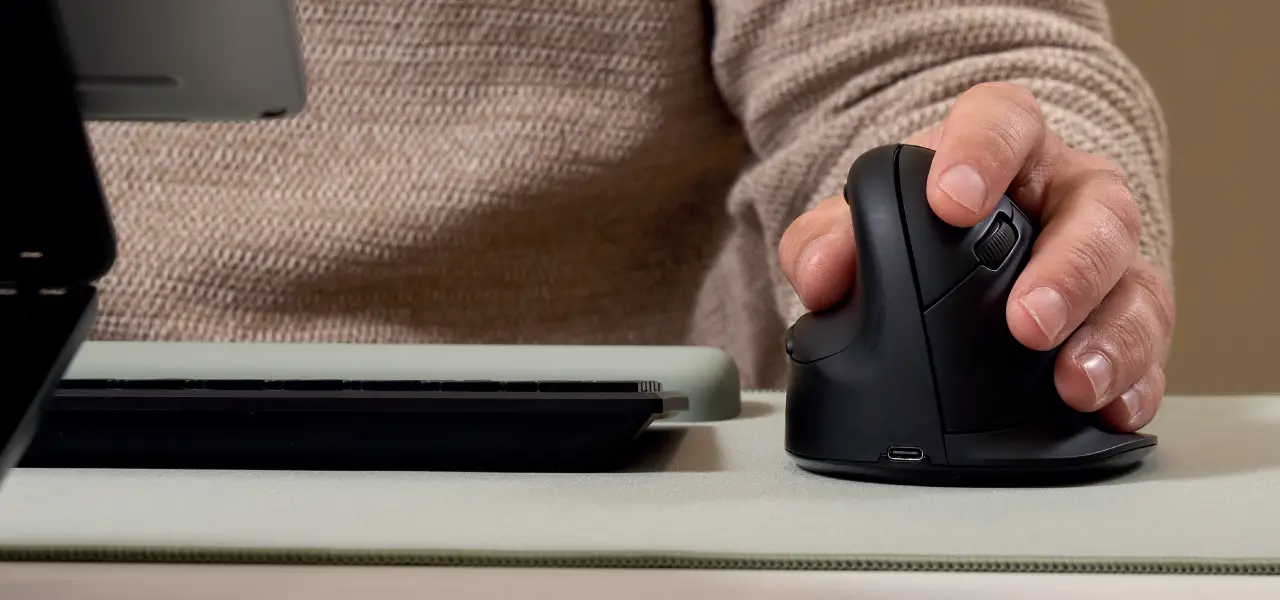
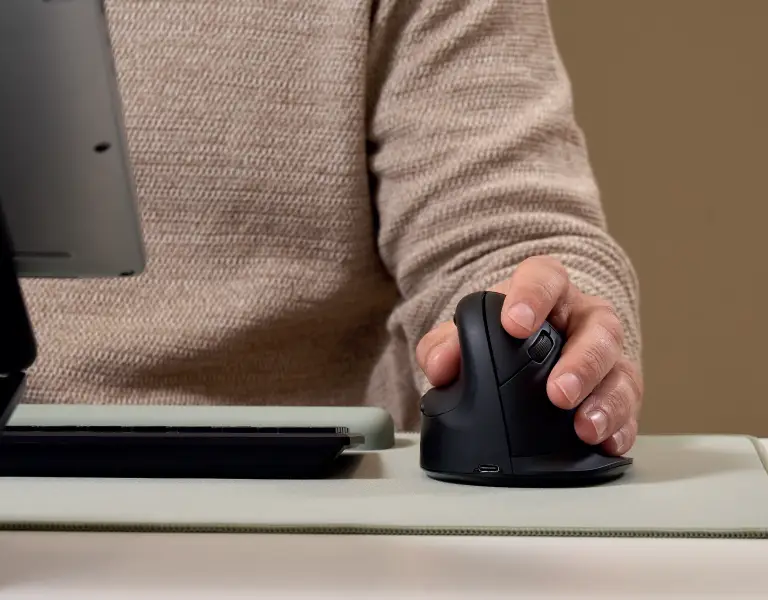
A standard mouse keeps the hand flat against the desk. That position works for a short session, but over the course of a full working day it puts the forearm into a rotation that the muscles and tendons weren't designed to hold for long. An ergonomic mouse changes that angle, raising the hand into a more upright position that feels closer to a natural resting grip.
Key design features can include:
-
A more upright grip that may help keep the wrist and forearm in a more natural position
-
A fuller shape through the palm, so the hand feels better supported
-
buttons that are easier to reach without stretching the fingers
-
A steadier, more comfortable hold during repeated use
How does an ergonomic mouse help?
An ergonomic mouse may help reduce strain by keeping the hand, wrist and forearm in a more natural position during use. That can make repeated clicking and scrolling feel more comfortable over time, especially if a mouse is used for long stretches each day.
It may also help improve wrist alignment at the desk. This is often where the benefit becomes noticeable in everyday use. When the hand is better supported, the mouse can feel easier to hold and easier to use without the wrist working as hard to stay in position.
That thinking runs through the Fellowes mice range, including the following options, each supporting a more ergonomic hand position in different way. For example
Breyta™ Vertical Mouse
The Breyta ™ Vertical Mouse is a straightforward option for users who want a vertical design in a simple day-to-day setup.
VIEW BREYTA VERTICAL MOUSE
Breyta ™ Plus+ Vertical Mouse
The Breyta ™ Plus+ Vertical Mouse adds more connection flexibility, which is useful for users moving between devices or switching between different working environments.
VIEW BREYTA VERTICAL MOUSE
Penguin ® Ambidextrous Vertical Mouse
The Penguin ® Ambidextrous Vertical Mouse gives a different option for shared desks or users who want left- and right-handed flexibility.
VIEW BREYTA VERTICAL MOUSE
Is an ergonomic mouse worth the money?
For many people, an ergonomic mouse can be worth the money, especially if it is used for long stretches every day.
The value usually comes down to how often you use it and whether your current mouse feels comfortable to use over time. If you already notice wrist strain, a cramped hand position or discomfort during longer periods of computer use, switching to an ergonomic mouse may be a worthwhile upgrade.
It may be worth considering if:
- you use a mouse for most of the working day
- your wrist starts to feel strained during normal computer use
- your current mouse keeps the hand in a flat position that feels uncomfortable
- you want a setup that feels more comfortable over time
How to improve mouse comfort through better desk setup
An ergonomic mouse can help, but it works better when the rest of the setup supports the same hand and arm position.
If the screen is too low, the desk feels cramped, or the keyboard sits too far away, the hand and wrist can still end up in an uncomfortable position. This is why mouse comfort is easier to improve when the desk is set up properly as a whole.
At Fellowes, we look at wrist and mouse position as part of the wider workstation. The Fellowes Workspace Zone Approach ™
focuses on creating a setup that feels more comfortable to use overall. Products such as monitor stands, monitor arms, mouse pads and desk mats can all support a more comfortable desk setup.