
The Best Adjustable Laptop Stand for Desk Comfort and Productivity
The Best Adjustable Laptop Stand for Desk Comfort and Productivity
A laptop is easy to work from, but not always easy to work comfortably from at a desk. When the screen sits too low, it can affect the rest of the setup more than people realise.
That is why adjustable laptop stands have become a practical way to improve desk comfort. Across Europe, remote-enabled work remains part of everyday working life, while EU-OSHA continues to identify prolonged sitting as a key workplace concern.
Raising the screen can help improve how the whole setup works, but not every stand suits the same type of desk. Some are easier to move, some are better left in place, and some offer more adjustment than others.
This article looks at what to check before choosing the best adjustable laptop stand for desk comfort and productivity, and how Fellowes laptop stands fit different ways of working.
Key takeaways from this article:
What to look for in the best adjustable laptop stand for desk use
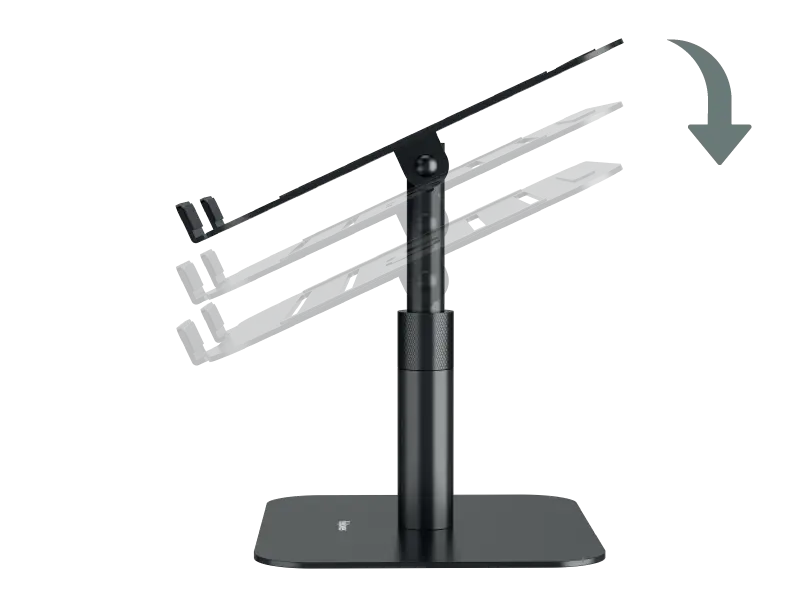
Height adjustability:
A height adjustable stand gives more control over where the screen sits. That matters because one fixed position will not suit every desk, chair, or user.
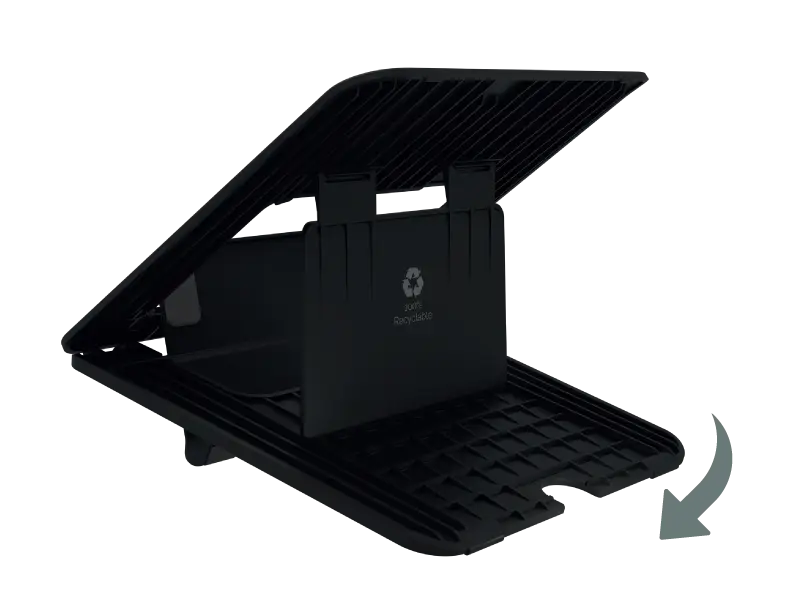
Stability:
The stand should stay steady once it is in place. If it moves while you type or shifts during a call, it quickly becomes distracting.
Portability:
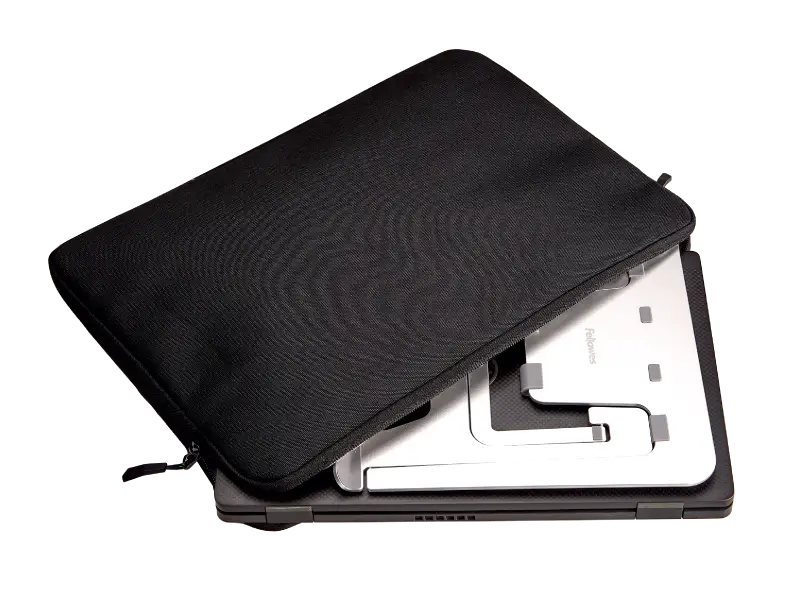
Some stands are easier to carry between spaces, which makes them useful for hybrid working, hot-desking, or setups that need to be cleared away.
Desk fit:
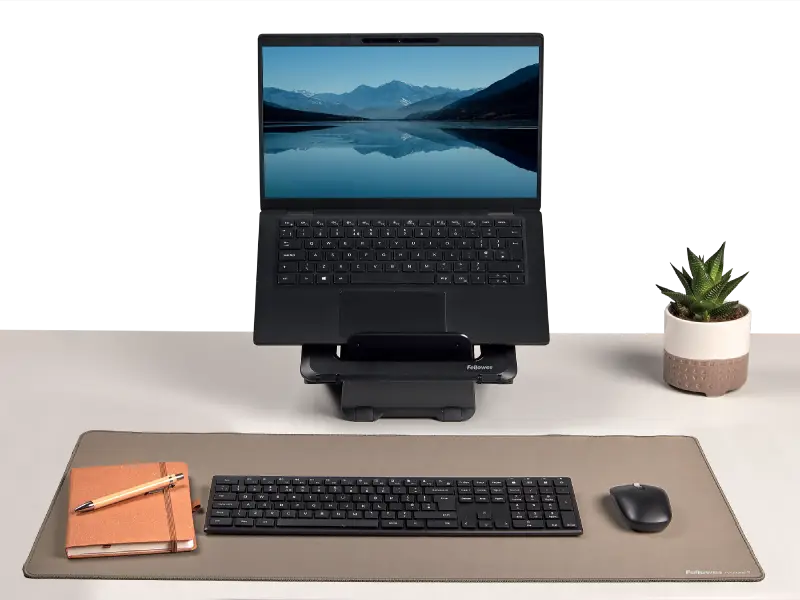
The stand should suit the size and layout of the workstation. On smaller desks, compact designs help keep the area usable.
Adjustment range:
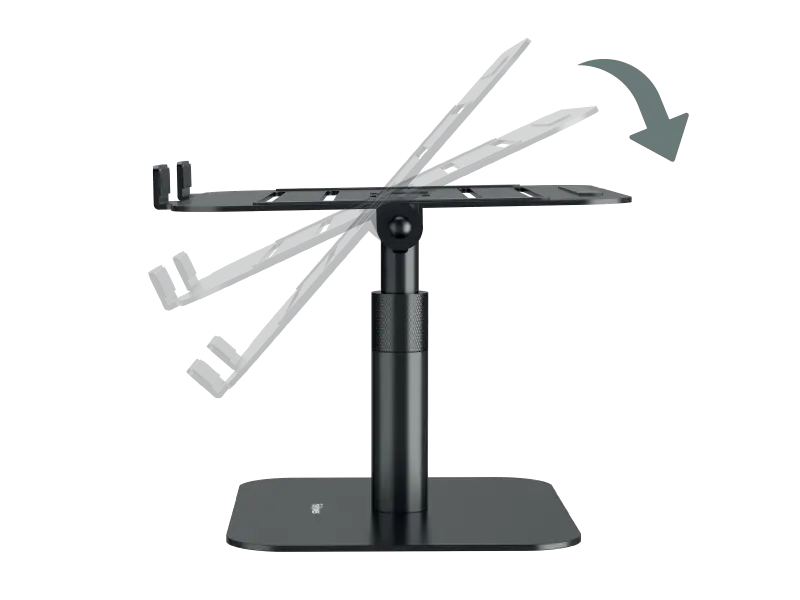
A broader range gives more flexibility across different desks, chairs, and working positions.
Build quality:
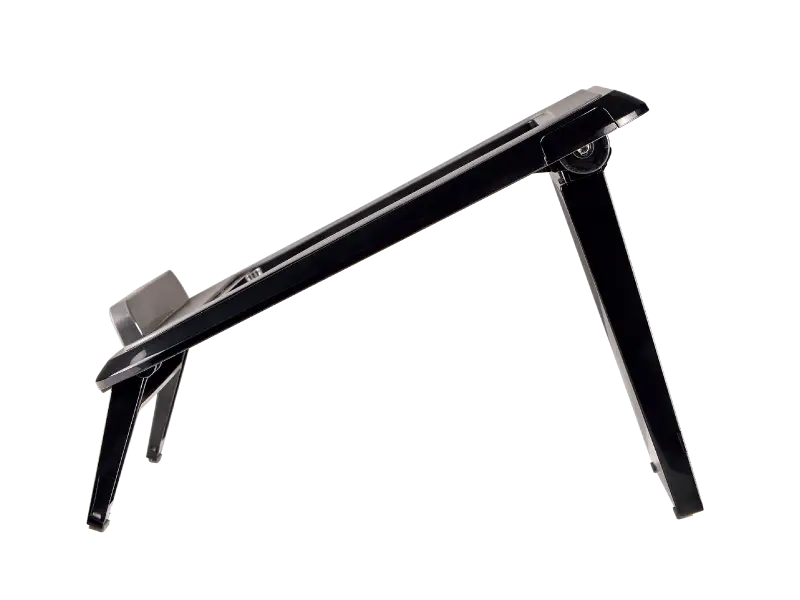
Where the stand is adjusted often, sturdier construction usually makes everyday use feel more reliable.
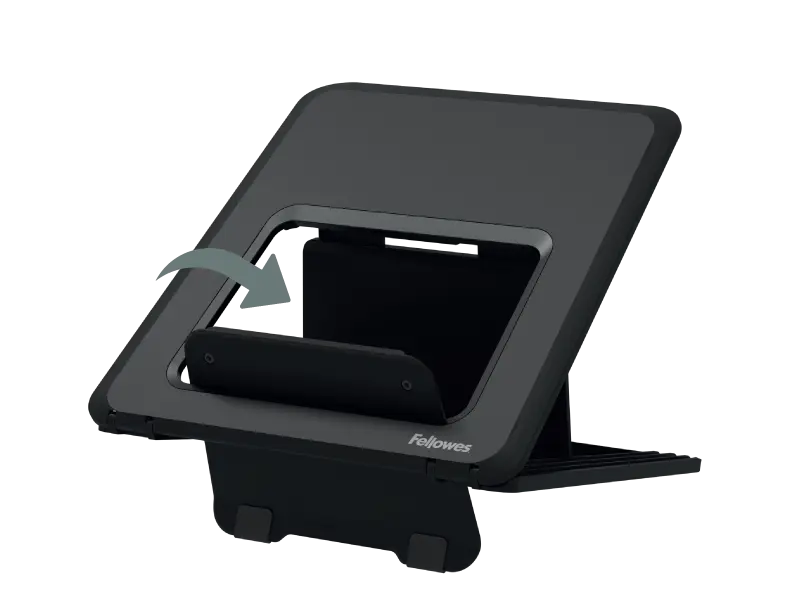
Cable management:
In more permanent setups, cable management can help keep the desk tidier and easier to work from.
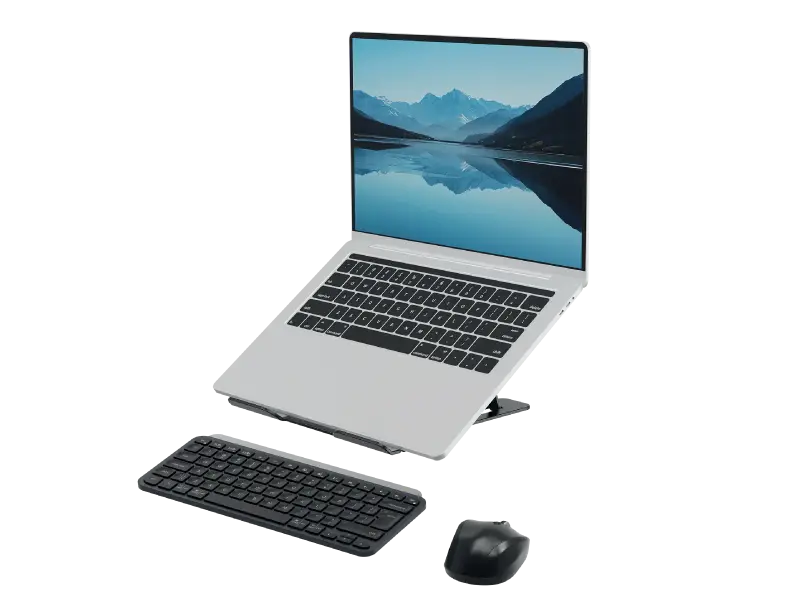
Compatibility with wider setup:
A laptop stand should work alongside other accessories, including monitor arms, external keyboards, and other accessories.
How Fellowes laptop stands fit different workstyles
Fellowes laptop stands cover different types of setup, which makes it easier to choose a model that matches the way the desk is used.
For lighter, more flexible setups, the Breyta ™ range is built around portability. Its laptop stand is compact, lightweight, and easy to move, which suits hybrid working and hot-desking. It is also 100% recyclable, so it works well for users who want something practical without adding bulk to the desk.
For users who want a more refined desk-based solution, the Hana™ LT Laptop Stand is better suited to a more permanent workstation. A broad height range, finger-touch adjustment, flexible movement and integrated cable management give it a more premium feel.
Choosing the right adjustable laptop stand desk setup
The right choice depends on what the stand needs to do day to day.
For hybrid working
A lightweight stand is usually the easiest option for hybrid working. If the setup moves between home and office or needs to be packed away at the end of the day, portability matters. A stand that is compact and easy to store will suit that kind of routine better than a heavier model built to stay in one place.
For permanent setups
In a more permanent workstation, there is often more value in a stand with smoother adjustment, a broader height range and features that help keep the desk organised. Where the setup stays in place, ease of adjustment and overall finish tend to matter more because the stand becomes part of everyday desk use.
For multi-screen workstations
Where the desk includes more than one screen, it can make sense to look beyond laptop supports alone. Monitor arms may be useful as part of a wider arrangement, especially where screen position and desk space both need more careful control.
How laptop stands fit into a wider ergonomic setup
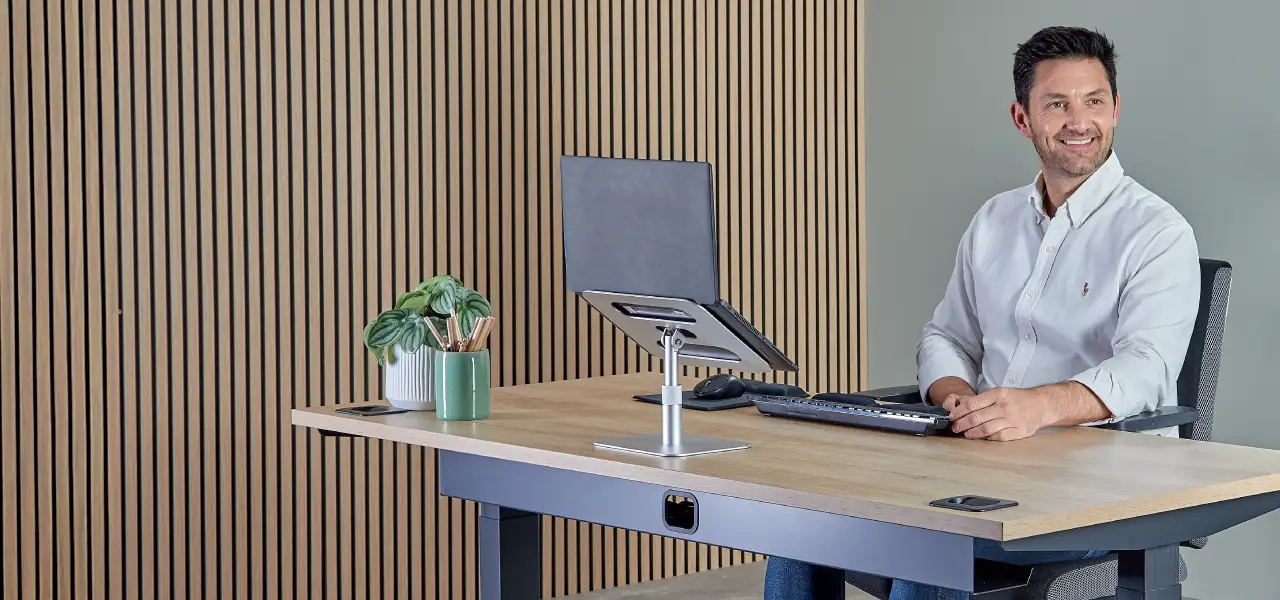
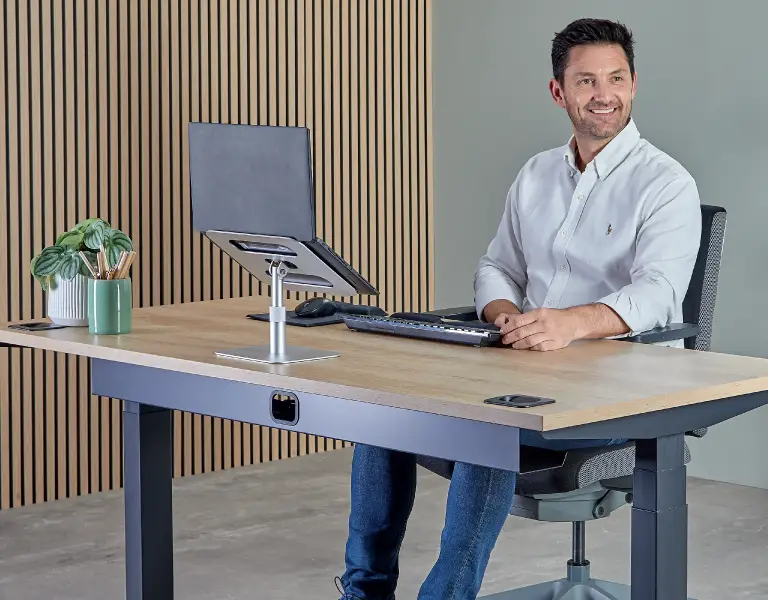
The most useful way to think about it is this: an adjustable laptop standing desk setup or seated desk setup works best when the stand supports the full position of the user, not only the device. Screen height, keyboard placement, mouse use, and movement through the day all play a part.
We encourage using a separate keyboard and mouse when working with a laptop stand. This ensures wrists are maintained in a neutral posture, helping to avoid the risk of strain or injury during extended use.
Within the Fellowes Workspace Zone Approach™, laptop stands sit in Zone 3, where the focus is on raising screens to support a more comfortable viewing position as part of a wider ergonomic setup. That can also include products such as monitor arms, wrist supports, footrests and sit-stand solutions, depending on how the desk is used and where extra support is needed.
For anyone searching for the best adjustable laptop stand for desk comfort and productivity, that wider ergonomic setup is what turns a simple accessory into something genuinely useful.