The Best Monitor Stands to Elevate Your Workday
The Best Monitor Stands to Elevate Your Workday
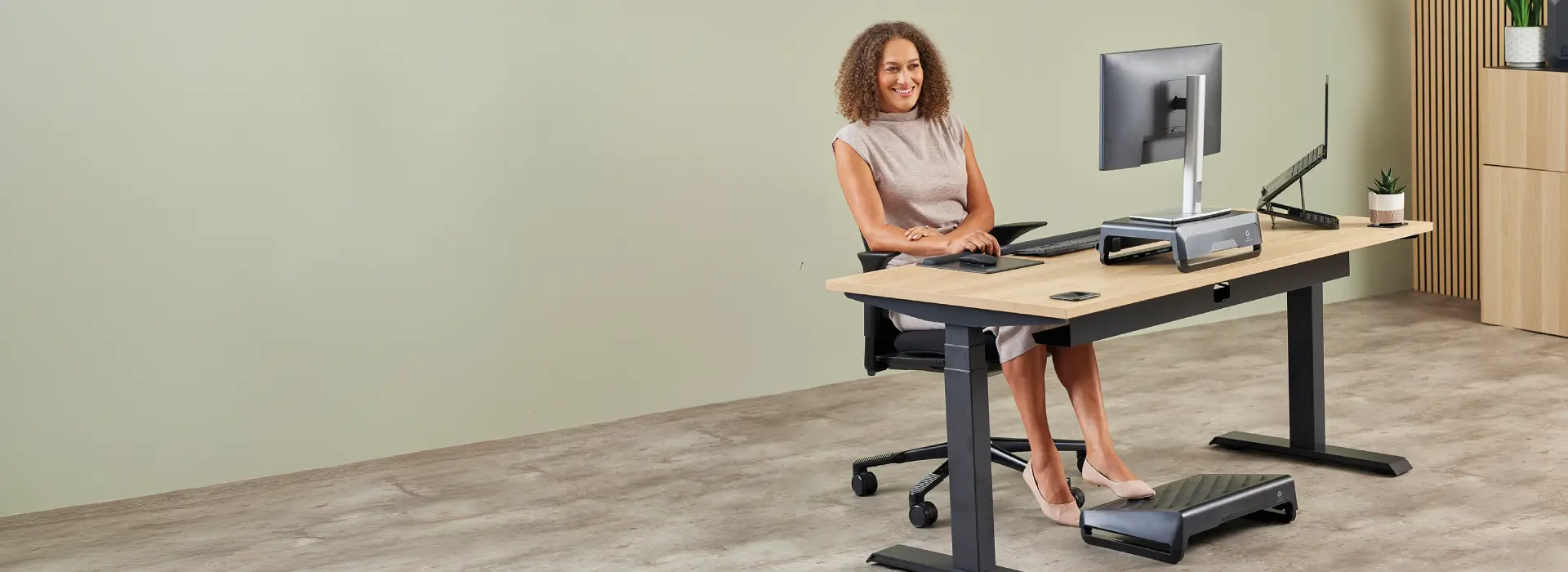
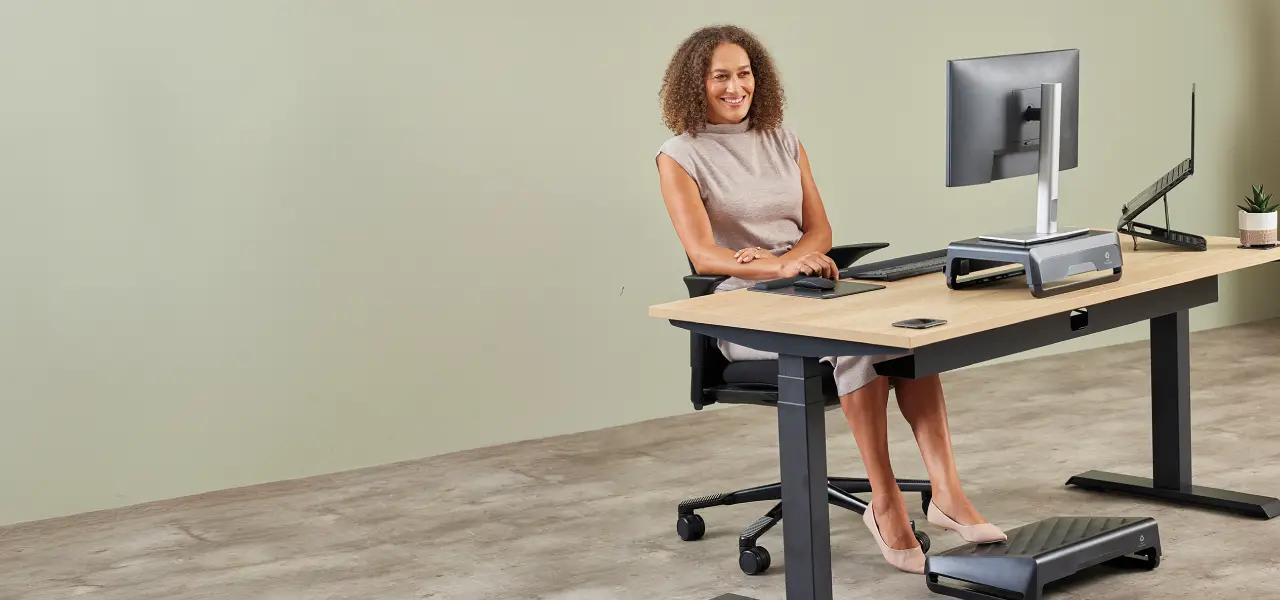
At Fellowes, we see monitor stands as one of the easier ways to improve an ergonomic setup. Raise the screen, free some space underneath, and the desk often starts to work better straight away.
In this guide, we look at what to check when choosing the best monitor stand, how screen position can affect comfort through the day, and why Fellowes monitor stands are built for both comfort and professional design.
Key takeaways from this article:
How a monitor stand improves comfort at your desk
A monitor stand raises the screen to a more suitable height, which can help reduce neck and upper back strain during desk work. It supports a more comfortable viewing position, especially when the monitor would otherwise sit too low.
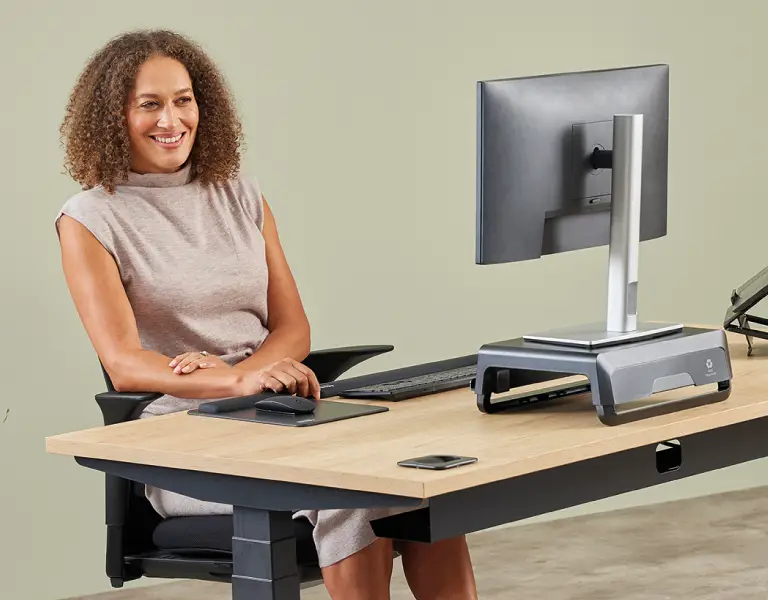
When a monitor sits directly on the desk, it takes up a large part of the workspace. A stand lifts the screen and creates room underneath for a keyboard, notebook, documents or the items you reach for during the day.
That extra space can make the desk easier to organise. Once the screen is raised, the area around it often feels less crowded and easier to work from. If the desk has been feeling cramped, a monitor stand can help make better use of the space you already have.
Key features to look for in the best monitor stands
The best monitor stands tend to get the basics right first. They need to hold the screen securely, suit the size of the desk, and lift the monitor to a level that works for the person using it.
Key features to look for include:
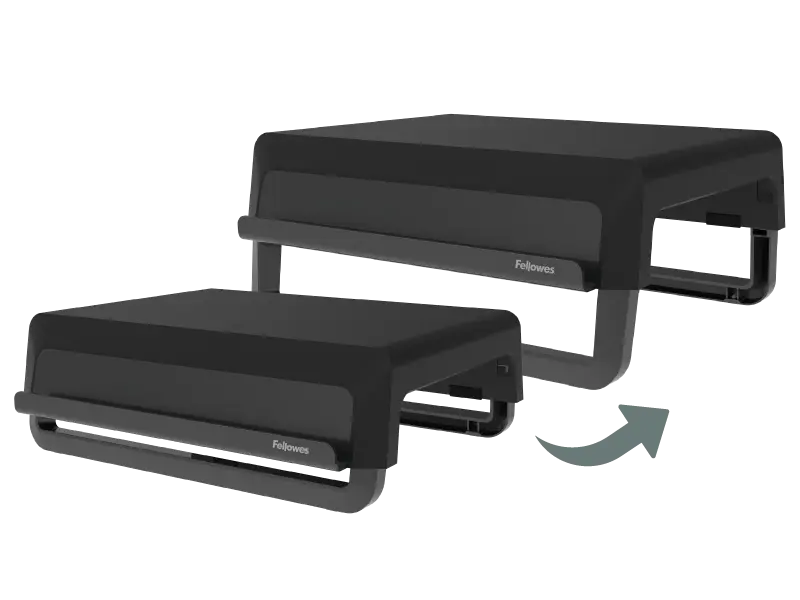
height adjustment, so the screen can sit at a level that feels more comfortable to view
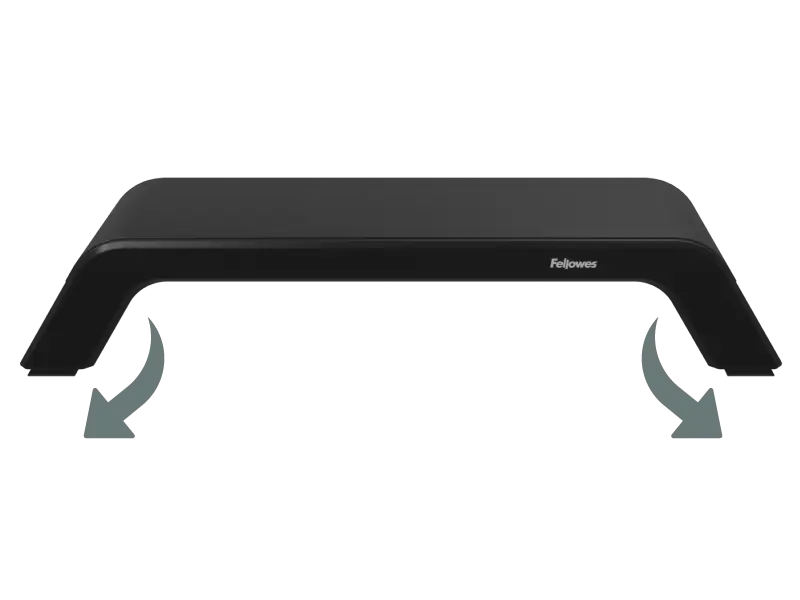
a stable base that keeps the monitor secure during everyday use
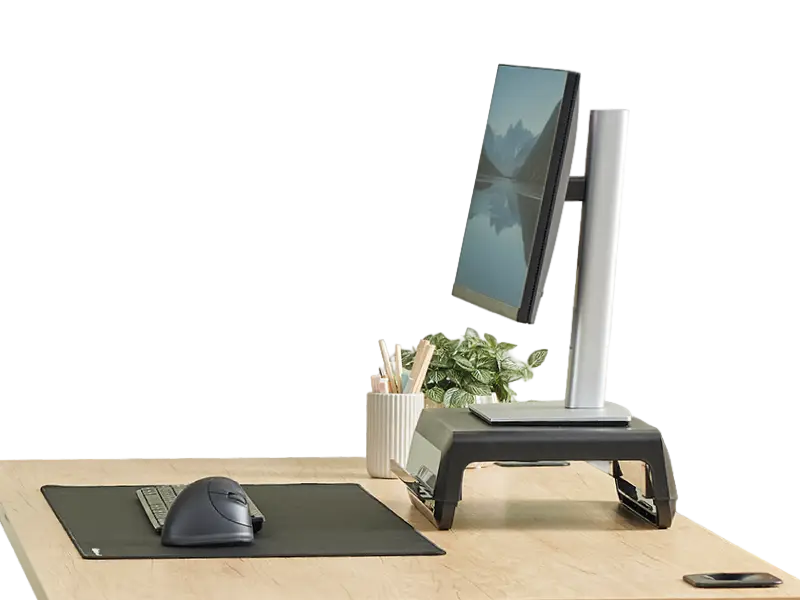
enough width and depth for the monitor and the desk itself
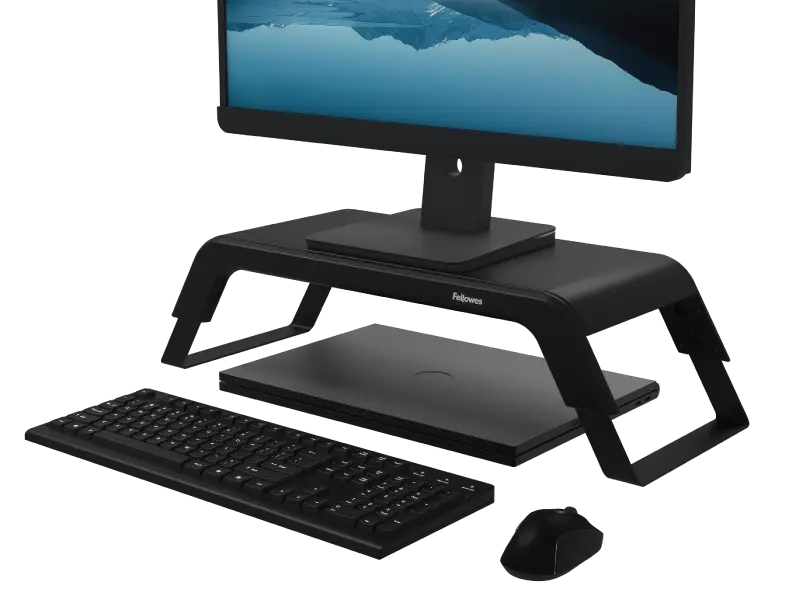
useful space underneath for a keyboard or everyday desk items
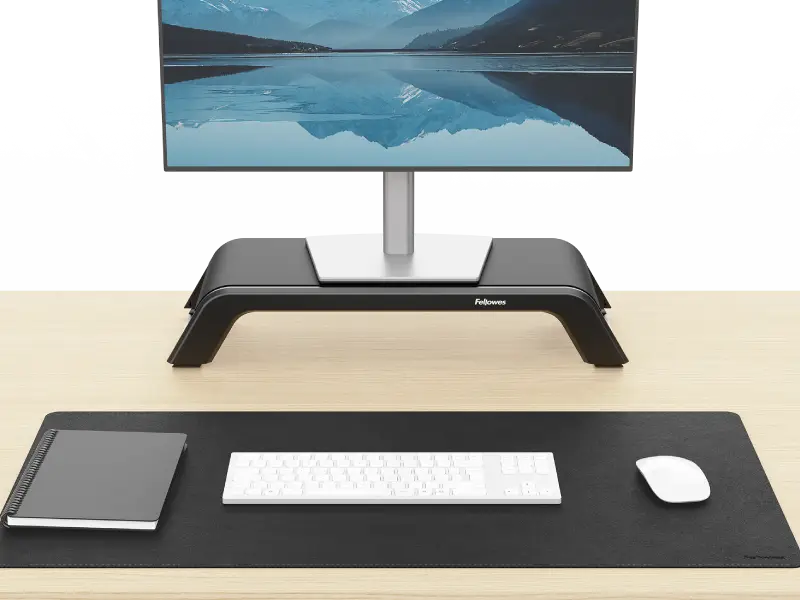
a finish that works well in a clean, professional-looking setup
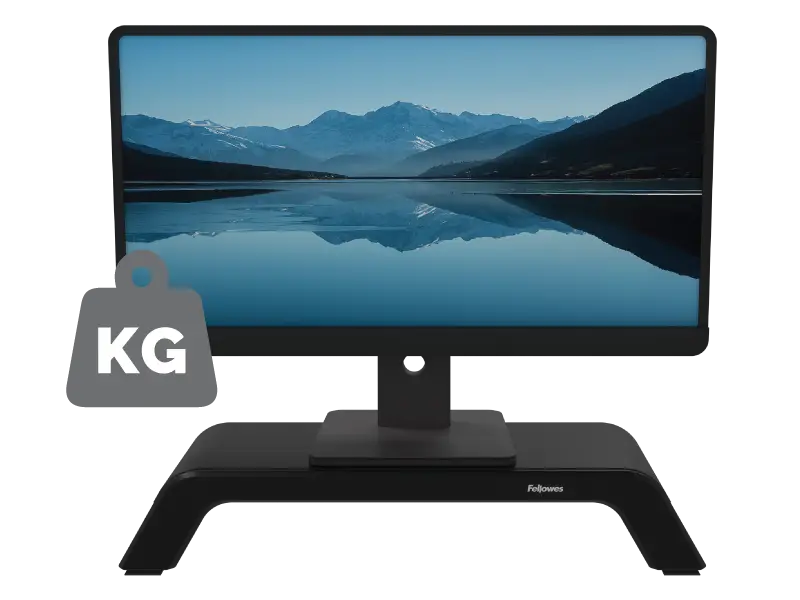
the right weight support for the screen being used
How monitor stands support better screen positioning
A monitor stand does more than clear space on the desk. Its real job is to bring the screen to the correct height, because that has a direct effect on how comfortable the setup feels across the day. We usually recommend positioning the monitor so the top of the screen sits roughly in line with your eye level.
It also helps to check how far away the screen is. When you are sitting back in your chair, or standing upright at a sit-stand desk, you should generally be able to reach the screen with your fingertips. A lot of monitors end up placed too far back, which can make the setup feel less natural to use. Many desks still have monitors sitting directly on the surface or perched on a stack of books, and that often leaves the screen too low as well as too far away. A proper stand gives the monitor a stable base and helps bring it into a position that is easier to view throughout the working day.
Are monitor stands worth it for everyday desk use?
For many people, yes. A monitor stand can be worth it when the screen feels too low, the desk feels crowded, or the setup needs to work better without becoming more complicated.
It may be worth considering if:
- the monitor sits directly on the desk and feels low to look at
- you want more usable space underneath the screen
- the desk needs to feel more organised
- you want to improve comfort without moving to a full monitor arm
- the setup needs to look cleaner and more professional
People working at the same desk every day often notice the benefit first, especially in home offices or fixed workstations where the screen position stays the same from one day to the next.
How monitor stands work with the rest of the ergonomic setup
A monitor stand usually does its best work when the rest of the desk supports the same viewing position. If the screen is raised but the keyboard is still too far away, or the desk still feels cramped, the setup may not feel as comfortable as it could.
That is why we look at screen position as part of the wider workstation. Within the Fellowes Workspace Zone Approach ™
, monitor stands sit alongside products such as monitor arms, laptop stands and document holders, which all help support more comfortable viewing across the desk.